Discord Bot and NodeJS
The traditional form of the guide can be found below the Terminal-style guides.
NodeJS Installation
Terminal-style Guide
The video allows you to copy text directly from the Terminal.
Ładowanie odtwarzacza...
Creating and Configuring a Bot Directory
Terminal-style Guide
The video allows you to copy text directly from the Terminal.
Ładowanie odtwarzacza...
To check if your bot starts correctly, enter the command:
node index.js
Running the Bot in the Background
Terminal-style Guide
The video allows you to copy text directly from the Terminal.
Ładowanie odtwarzacza...
To start the bot, enter the command:
pm2 start index.js
To stop the bot, use the command:
pm2 stop index
Traditional Guide Form
- Expand to use the traditional guide form.
NodeJS Installation
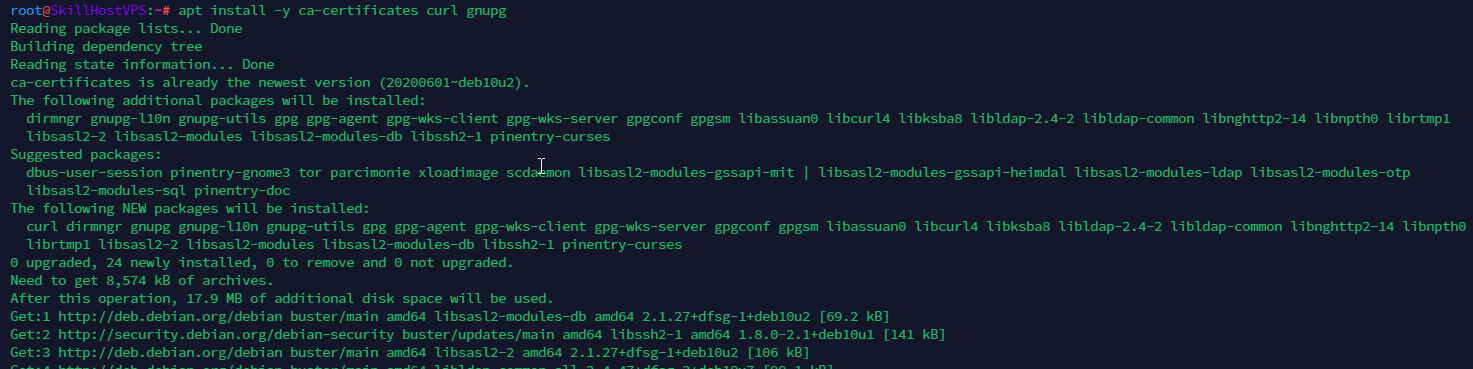
- Install the required programs:
apt install -y ca-certificates curl gnupg
- Create the keyrings directory, then decrypt the NodeSource key within it:
mkdir /etc/apt/keyrings
--- --- ---
curl -fsSL https://deb.nodesource.com/gpgkey/nodesource-repo.gpg.key | gpg --dearmor -o /etc/apt/keyrings/nodesource.gpg

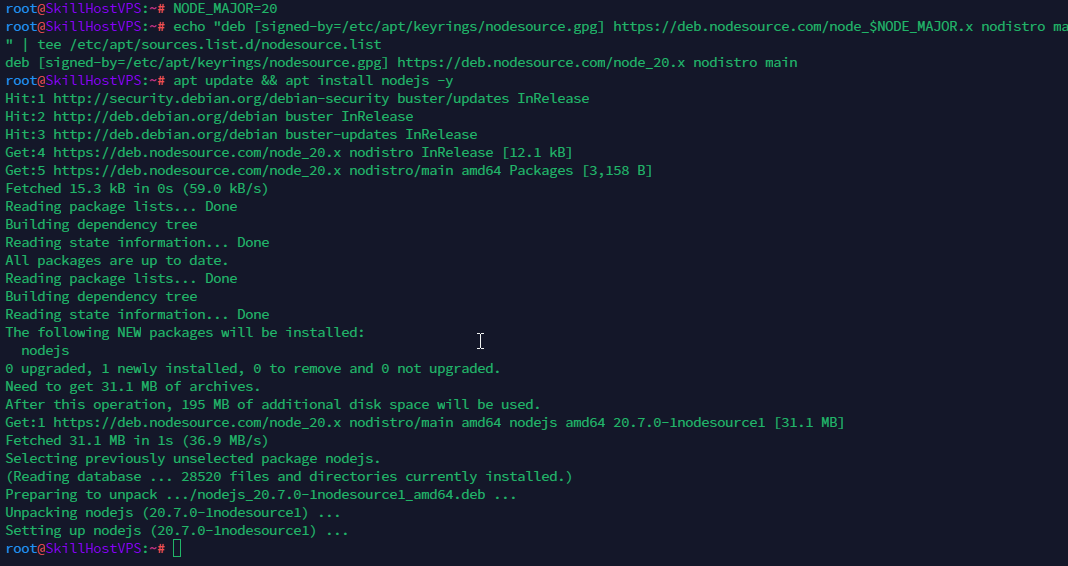
- Set a variable for the NodeJS version (choose from 20, 18, 16), add NodeJS to the sources list, and install NodeJS:
NODE_MAJOR=20

echo "deb [signed-by=/etc/apt/keyrings/nodesource.gpg] https://deb.nodesource.com/node_$NODE_MAJOR.x nodistro main" | tee /etc/apt/sources.list.d/nodesource.list

apt update && apt install nodejs -y
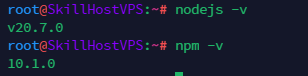
- Verify the installation of NodeJS and NPM:
nodejs -v
npm -v
Creating and Configuring a Bot Directory
- Create and navigate to the folder where the bot will reside. This is where the bot’s files will be uploaded:
mkdir /home/discordbot
cd /home/discordbot
- Install the required modules (in our case, only Discord.js):
npm install discord.js

- Check if the bot starts by running:
node index.js

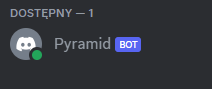
If the bot does not start at this point, fix all errors that occur.
Running the Bot in the Background
- Install pm2 software:
npm install pm2 -g

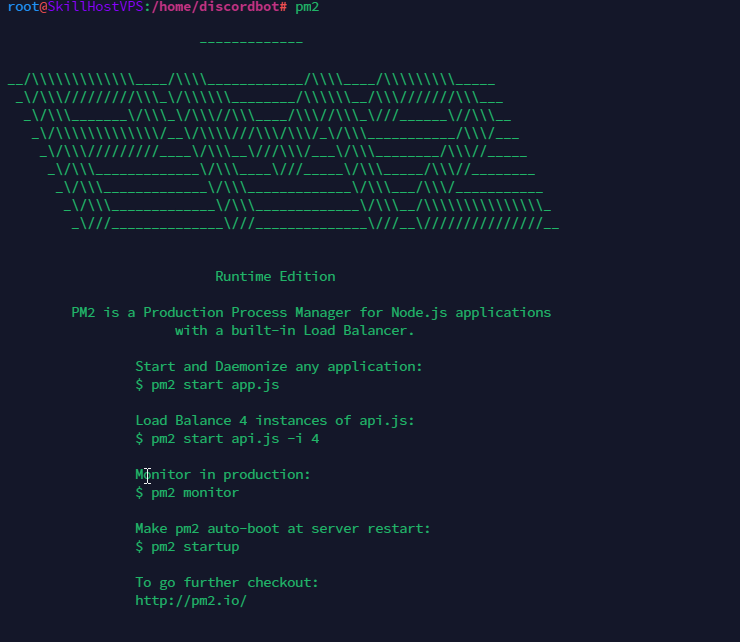
- Verify the pm2 installation:
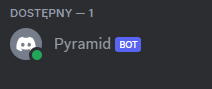
- Start the bot using pm2:
pm2 start index.js

- To stop the bot, use the command:
pm2 stop index