Data Recovery
Bootowanie LiveCD
- Go to the VNC console and select the LiveCD image in the first drive.

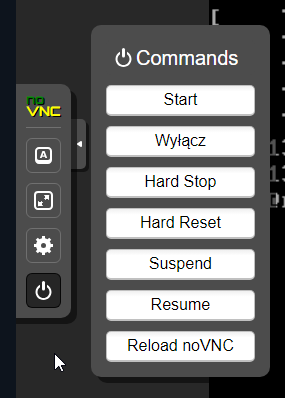
- In the console’s left menu, select the „Commands” tab, then click „Hard Reset” and confirm the appearing dialog.
- During the reboot, in the left panel choose „Show Extra Keys” and press the ESC key.
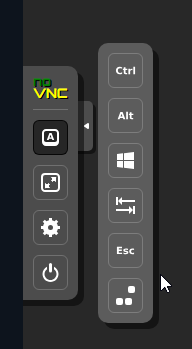
WARNING:
This action must be quick and completed while the PROXMOX logo is displayed on the screen.
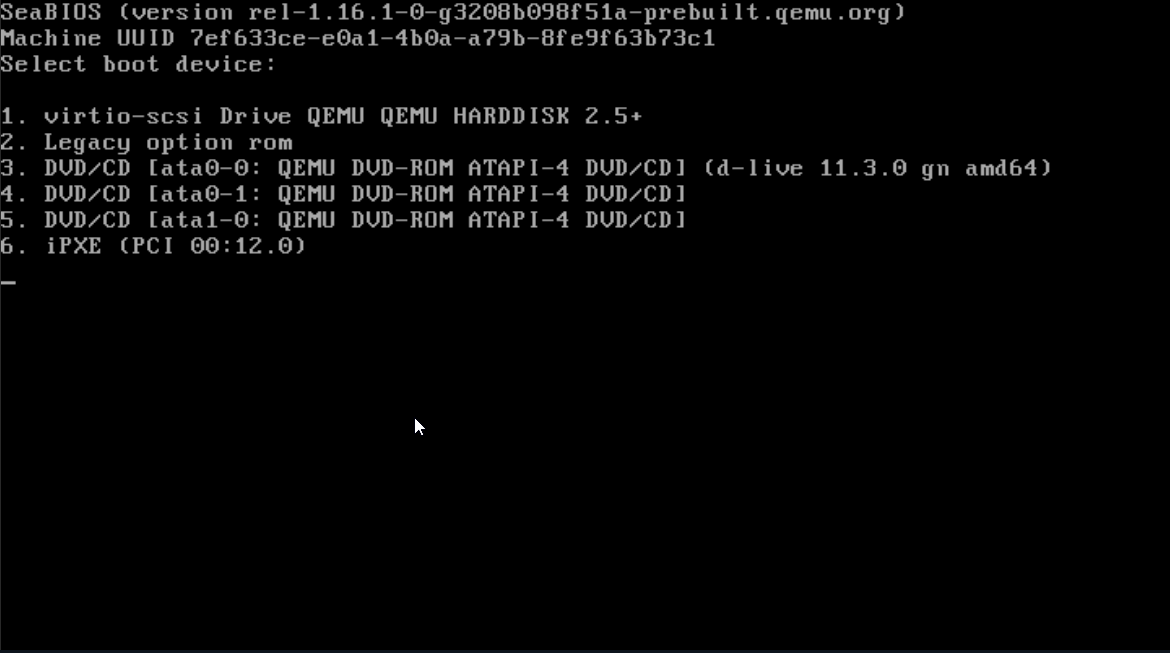
- The boot menu will appear. From the list, select the option containing the suffix "d_live". In our case, this is option 3.
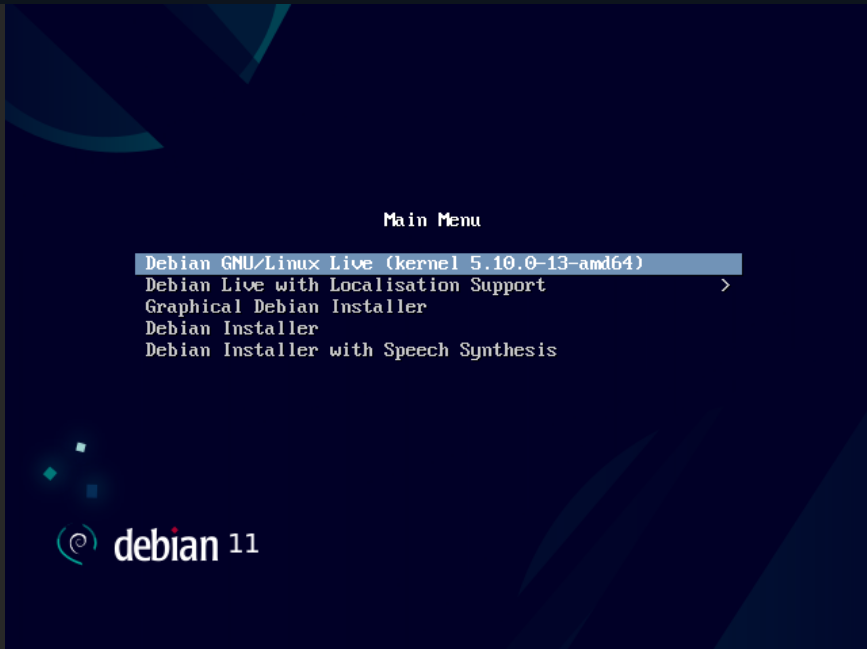
- Next, the Debian screen will appear. Select the first option and wait for it to boot.
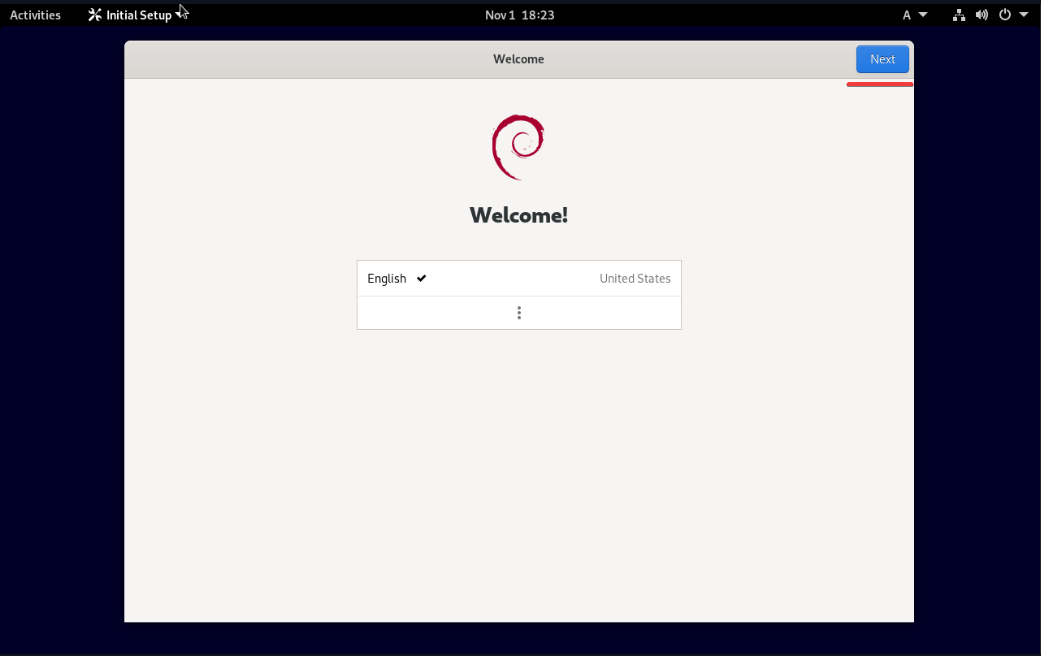
- A preliminary configuration window should appear. Click „Next” repeatedly until the end.
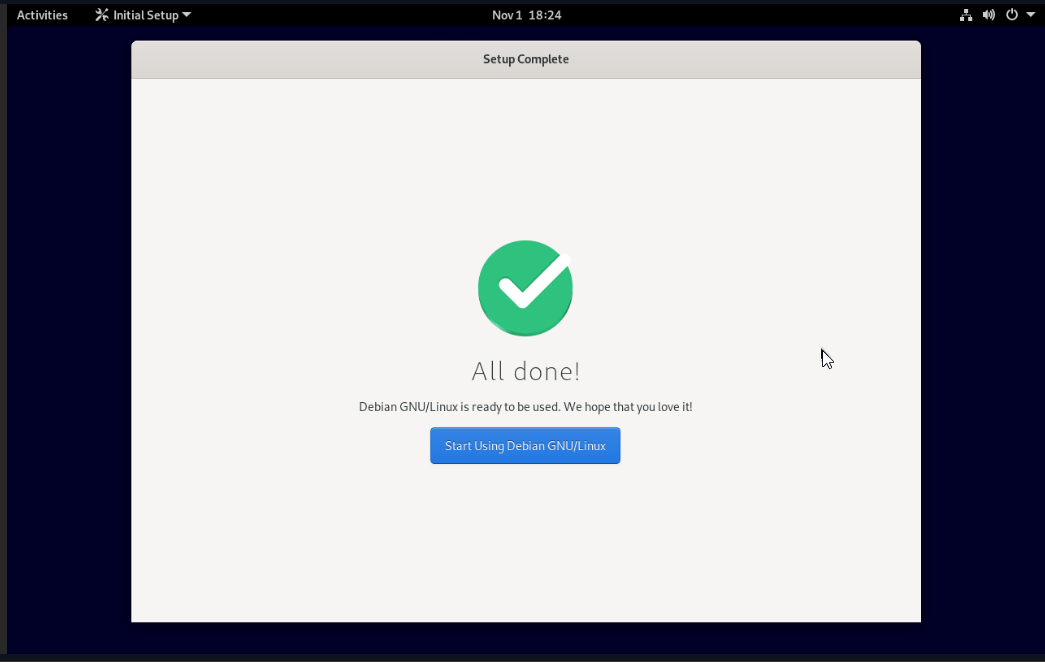
- Click "Start using Debian". You can now proceed to file recovery.
Mounting Partitions
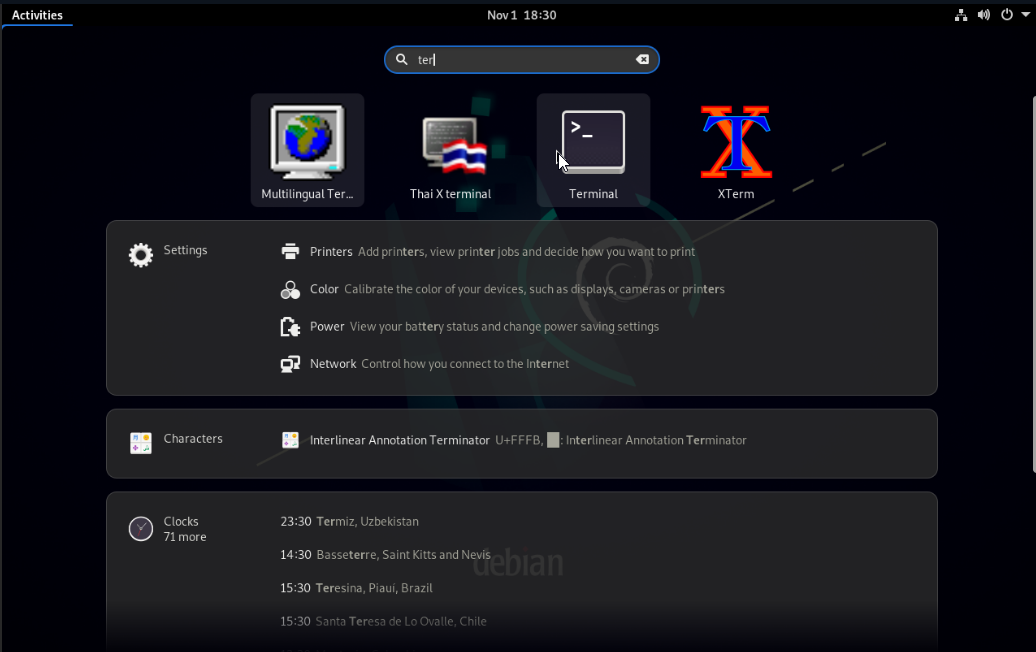
- In the upper left corner, select "Activities" and search for Terminal.
- In the terminal, switch to the root account using:
sudo su root
Then check the number and names of available partitions with:
lsblk
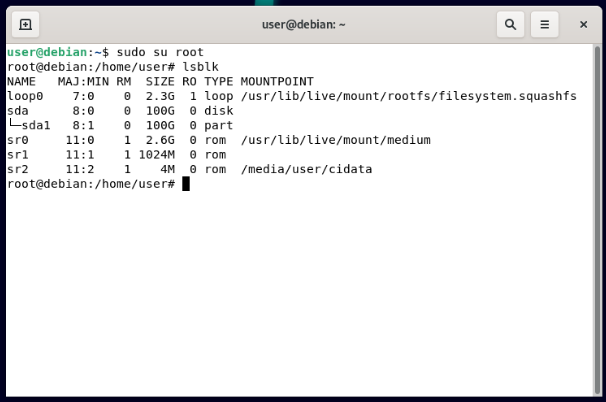
In our example, there is one disk (sda) and one partition (sda1).
- Create a folder where you will mount your partition. Mount it to:
mount /dev/sda1 /odzyskiwanie

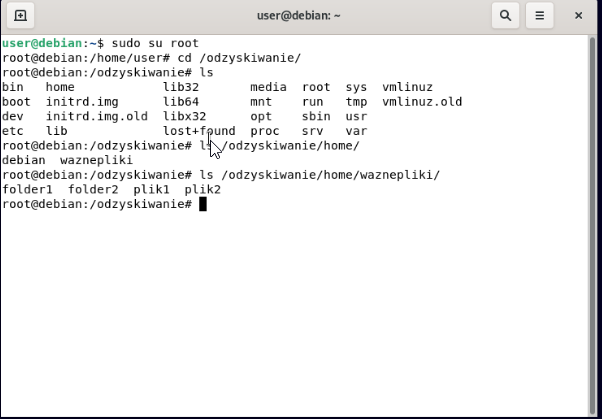
- Check if your files are present in the /odzyskiwanie folder.
Installing OpenSSH Server and Downloading Recovered Files
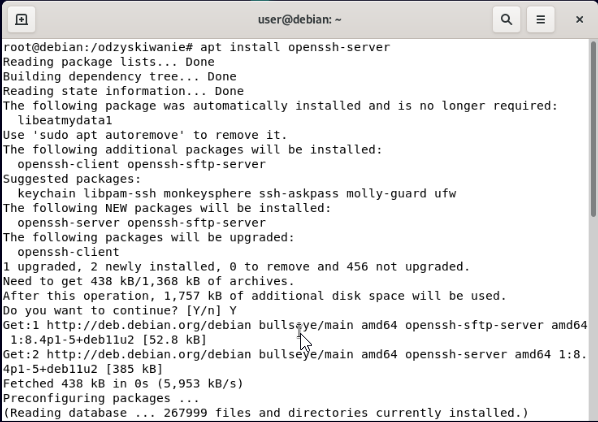
- Install the SSH server:
apt install -y openssh-server
- Change the root account password by entering:
passwd
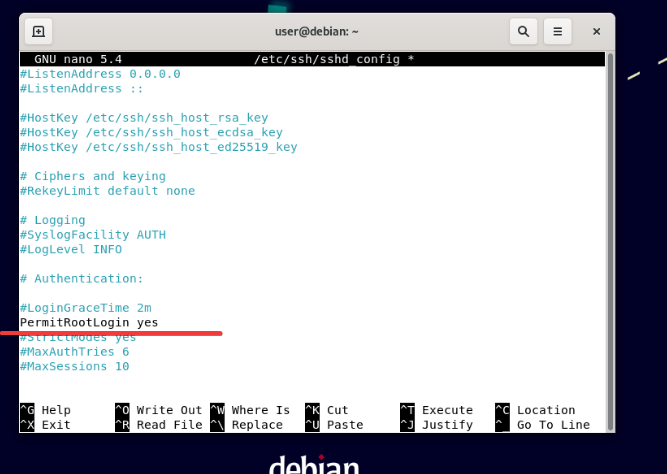
- Edit the SSH server configuration file to allow root login:
nano /etc/ssh/sshd_config
In the config file, find the line containing PermitRootLogin and change its value as follows.
Then save and exit (CTRL + X → Y → Enter).
- Restart the SSH service using:
systemctl restart sshd
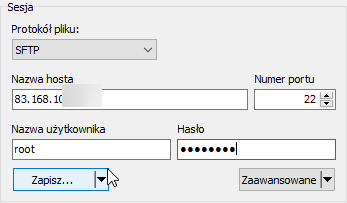
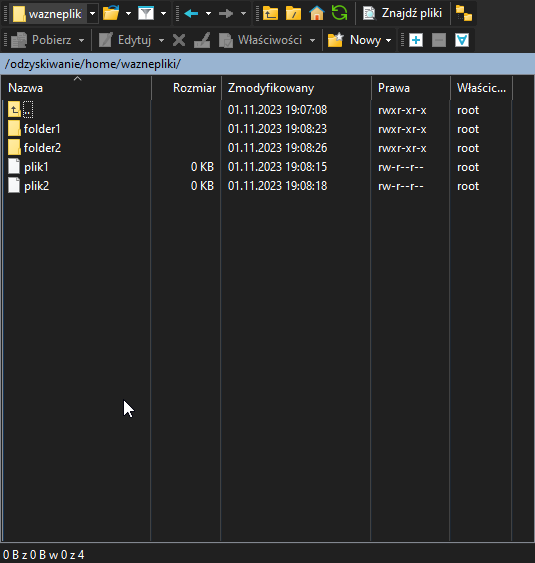
- Run WinSCP and log in using the password set in step 2.
- Navigate in WinSCP to the mounted folder and download the needed files to your computer.
WARNING:
Do not restart the server before downloading all your data. Otherwise, the recovery process will have to start over.
TIP:
If you have many files, consider packing them using the following tar command:
tar -cf backup.tar /odzyskiwanie/importantfiles/